
Currently Empty: ₹0.00

Training Program Details
RCDC
With Industry Expert
Course Duration: 2 Months
Training Mode: Live + Recorded (Lifetime Access)
Live Session Timing: 9:00 PM – 10:00 PM
Time Table: 6 Days a Week
Language: English
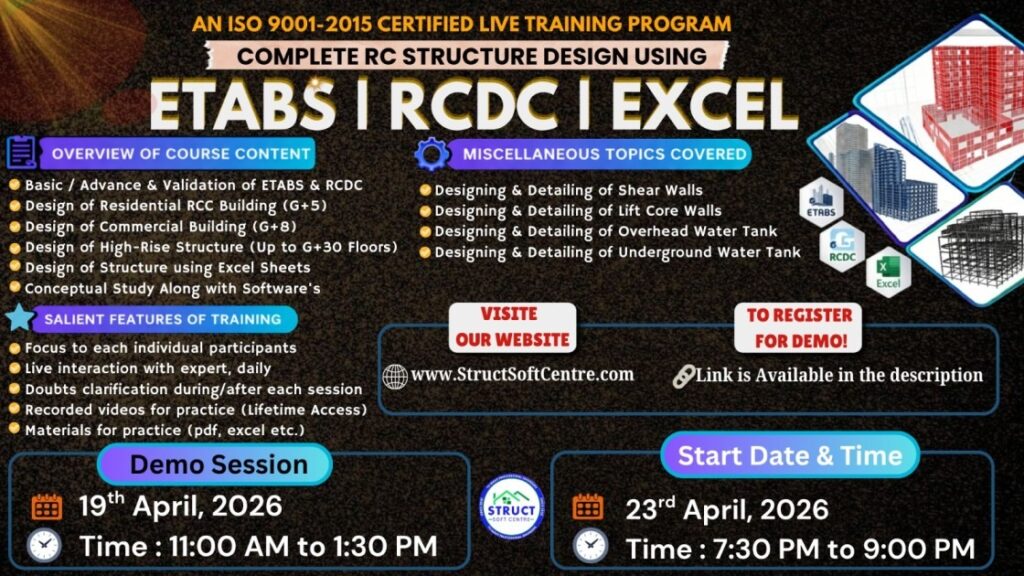
ABOUT THIS TRAINING
Structural engineering is one of the most demanding specializations of civil engineering. Now a days dealing of real-life challenging projects by conventional approach is too difficult. Industry demands both conceptual understanding of structure and deep knowledge about the trending softwares.
COURSE MODULES
Module 1: The Import & Analysis Link
RCDC doesn’t create geometry; it reads it. This module focuses on the “Handshake” between ETABS/STAAD and RCDC.
Importing Analysis Files: Loading .edb (ETABS) or .std (STAAD) files.
Reading Forces: How RCDC extracts Displacement, Force, and Moment envelopes for every single member.
Member Grouping: Automatically grouping columns or beams of the same size and force profile to create a “Typical” design (essential for construction simplicity).
Material Mapping: Linking the design codes (ACI, IS, Eurocode) to the material strengths defined in your analysis.
Module 2: Column & Wall Design (Verticals)
Vertical members are the most critical for building safety. RCDC automates the P-M-M interaction checks.
Design Settings: Setting effective length factors and checking for slenderness.
Rebar Logic: Defining “Preferred Bar Sizes” (e.g., using 16mm for main bars and 8mm for ties).
Biaxial Bending: Evaluating how columns behave when pushed in two directions simultaneously.
Ductile Detailing: Applying specialized “Special Moment Frame” (SMF) rules for seismic zones—ensuring ties are closer together at the joints.
Module 3: Beam & Slab Detailing (Horizontals)
This is where the software saves hours of manual work by drawing the “longitudinal profile” of beams.
Beam Continuity: Identifying “Continuous Beams” across multiple spans from the 3D model.
Curtailment Rules: Setting the rules for where top rebar should stop (e.g., L/3 or L/4 from the support).
Shear & Torsion: Designing stirrups to handle diagonal tension.
Crack Width Checks: For water tanks or basement walls, checking if the rebar is sufficient to keep cracks within microscopic limits.
Module 4: The Bill of Quantities (BoQ) & Schedules
A structural designer’s job isn’t done until the client knows how much steel they need to buy.
Bar Bending Schedules (BBS): Automatically generating the cutting length and shape of every single bar.
Quantity Estimation: Calculating the total volume of concrete (m^3) and the total weight of steel (Tons).
Cost Analysis: Applying unit rates to the BoQ to get a rough structural cost estimate.
Summary Reports: Exporting “Failure Reports” to see exactly which beams didn’t pass the code checks.
Module 5: Drawing Generation & CAD Export
The final step is getting the data back into AutoCAD format.
Layout Plans: Generating the “General Arrangement” (GA) drawings showing column positions.
Detailing Sheets: Creating the “Schedule of Columns” and “Beam Elevations.”
Cross-Section Styles: Customizing how the software draws a cross-section (e.g., showing 4 bars vs. 8 bars).
DXF Export: Saving the final output as a .dxf file for final cleanup in AutoCAD.